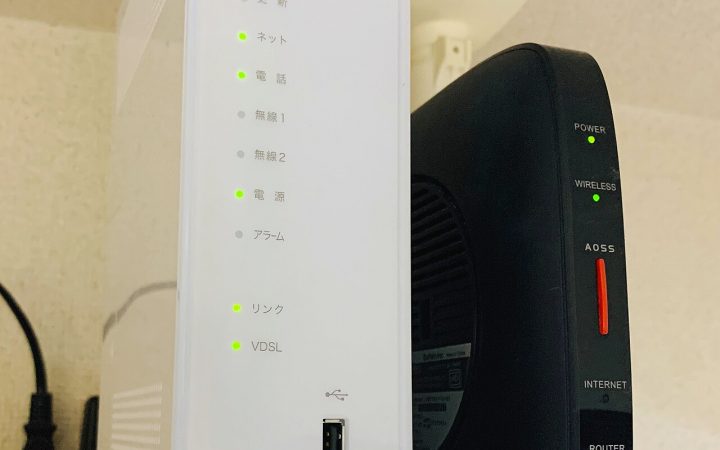
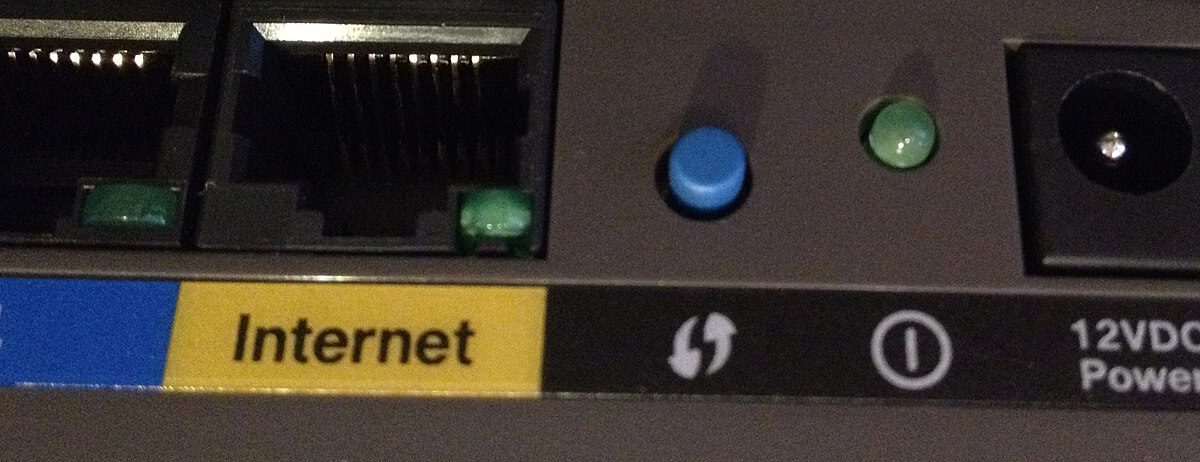
Your Wi-Fi carries banking, email, work files, camera footage and the commands that unlock smart doors. Yet many networks still run on the default password printed under the router. Here’s how to secure wireless networks for homes and small businesses — without making them hard to use.
Key takeaways
- Use WPA3 (or WPA2/WPA3 transition mode) with a long, unique passphrase.
- Change the router’s admin password and keep firmware updated.
- Put guests and smart devices on separate networks.
- Turn off features you don’t use, such as WPS and remote management.
1. Choose the right encryption
| Setting | Verdict |
|---|---|
| Open (no password) | Never for your own network |
| WEP | Broken — replace equipment that only supports WEP |
| WPA (TKIP) | Obsolete |
| WPA2-Personal (AES) | Acceptable with a strong passphrase |
| WPA2/WPA3 transition | Good choice when you have older devices |
| WPA3-Personal | Recommended |
| WPA2/WPA3-Enterprise | Best for businesses with many staff (individual logins) |
WPA3, introduced by the Wi-Fi Alliance in 2018, protects against offline password-guessing attacks and is required for Wi-Fi 6E and Wi-Fi 7 on the 6 GHz band.
2. Use a strong passphrase
Length beats complexity. Four or five random words (for example harbor-tulip-ferry-cedar) are easy to type and hard to crack. Avoid your address, phone number or business name. Change it if a former employee or tenant knew it.
3. Secure the router itself
- Change the admin password (different from the Wi-Fi password).
- Turn on automatic firmware updates, or check monthly.
- Disable remote administration from the internet unless you need it.
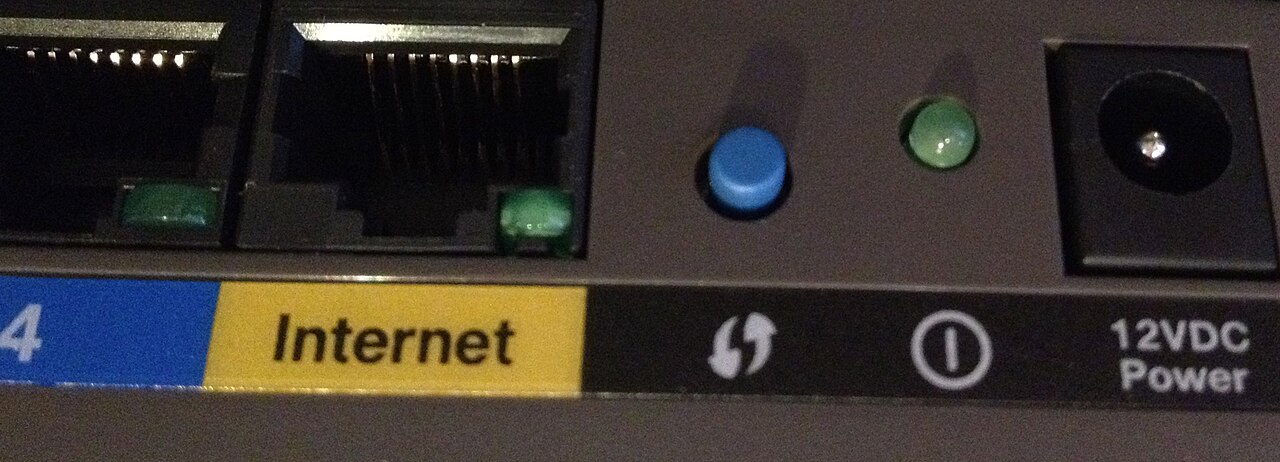
- Disable WPS — the push-button/PIN pairing feature has a history of weaknesses.
- Disable UPnP if you don’t need it for gaming or specific apps.
- Replace routers that no longer receive security updates.
Router manufacturers stop supporting older models after a few years. A router without updates is like a front door with a lock that can’t be fixed — it might still close, but it’s not secure.
4. Separate guests and smart devices
Most modern routers and access points can create additional networks:
- Guest network — internet only, isolated from your computers, printers and file shares. Ideal for visitors, customers and short-term rentals.
- IoT network — for cameras, doorbells, TVs, speakers, thermostats and plugs. If one of these inexpensive devices is compromised, it can’t reach your laptop or business files.
Businesses should also isolate payment terminals and point-of-sale systems. See our Small Business Network Checklist.
5. Smart-device hygiene
- Change default passwords on cameras, DVRs and hubs.
- Enable updates in each manufacturer’s app.
- Remove devices you no longer use from apps and the network.
- Prefer brands with a clear security-update policy.
6. Know what’s on your network
Your router or mesh app lists connected devices. Review it occasionally and give devices recognizable names. Unknown devices may be harmless (a forgotten smart plug) — or a neighbor using your Wi-Fi.
7. For businesses: go further
- Use WPA2/WPA3-Enterprise so each employee has their own credentials that can be revoked.
- Use VLANs to separate staff, guest, payment and IoT traffic.
- Enable client isolation on guest Wi-Fi.
- Log and review admin access; keep a documented configuration backup.
8. Away from home
On public Wi-Fi, use HTTPS websites, your phone’s hotspot or a reputable VPN for sensitive tasks. See tips on our Free Wi-Fi Hotspots page.
Frequently asked questions
Should I hide my Wi-Fi network name (SSID)?
Hiding the SSID adds little security — the name is still visible to anyone with basic tools — and can cause connection problems. Strong encryption and a good passphrase matter far more.
Is MAC address filtering worth it?
Not as a security measure. MAC addresses are easy to spoof, and modern phones use randomized addresses. Use WPA3 and separate networks instead.
How often should I change my Wi-Fi password?
There’s no need to change a strong passphrase on a schedule, but change it whenever someone who shouldn’t have it might know it — for example after an employee leaves or a tenancy ends.
Want a security check-up for your network?
We review your router, Wi-Fi and smart devices and fix what needs fixing.