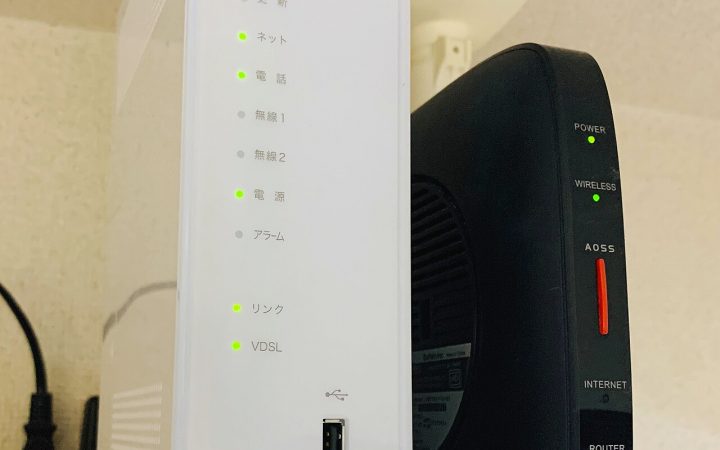
“We tried extenders. They all failed to perform.” We hear it all the time. When one router can’t cover the whole house, there are three common ways to add coverage: range extenders, mesh Wi-Fi systems and wired access points. They are not equal. Here’s how they differ, and how to choose.
Key takeaways
- Range extenders are cheap but usually cut speed and create roaming headaches.
- Mesh systems are easy, attractive and good for most homes — best with wired backhaul.
- Wired access points deliver the most capacity and reliability for larger homes and businesses.
- Placement beats power: a few well-placed units outperform many badly placed ones.
Range extenders (repeaters)
An extender listens to your router’s signal and repeats it. Most single-radio models must receive and retransmit on the same channel, so they spend half their airtime relaying — which roughly halves throughput for devices connected to them, and adds latency. Many create a separate network name (SSID), so phones and laptops cling to the wrong one as you move around.
When they make sense: a quick, low-cost fix for one distant room with light use. When they don’t: streaming, video calls, gaming or many devices.
Mesh Wi-Fi systems
A mesh system is a set of matched nodes that work as one network with a single name. Nodes coordinate with each other and help devices move to the best node. Better systems include a dedicated radio for “backhaul” — the link between nodes — so relaying doesn’t steal as much capacity from your devices.
Strengths: easy setup, single network name, good-looking hardware, app-based management.
Limitations: wireless backhaul still loses capacity with each hop, especially through floors and dense walls; some systems lock advanced settings behind an app or subscription.
Wired access points
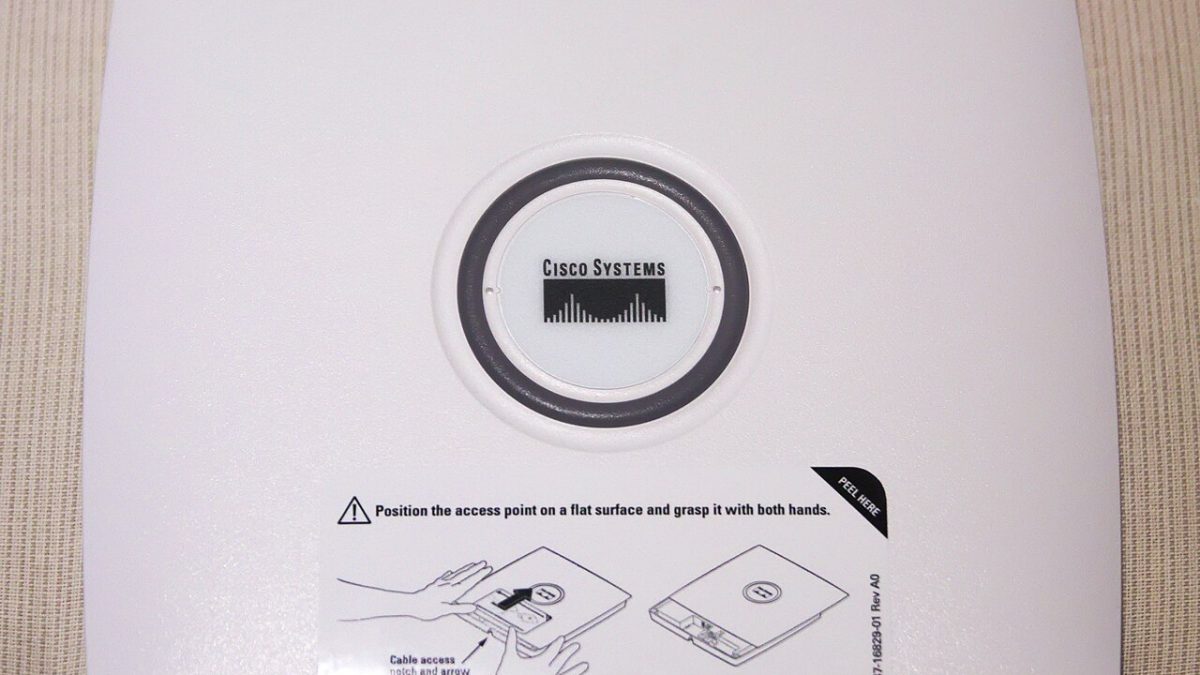
Access points (APs) connect to the network by Ethernet cable and often get power over the same cable (PoE). Each AP has its full wireless capacity available for your devices because nothing is wasted on relaying. Ceiling-mounted APs spread signal evenly, and a controller (local or cloud) manages channels, power levels and roaming.
Strengths: highest capacity and reliability, scales to large homes, shops, offices, warehouses and outdoor areas.
Limitations: needs cabling (or MoCA over existing coax), and a little more planning up front.
Side-by-side comparison
| Range extender | Mesh (wireless backhaul) | Mesh (wired backhaul) | Wired access points | |
|---|---|---|---|---|
| Speed at far rooms | Low | Good | Very good | Excellent |
| Roaming between units | Poor | Good | Good | Very good |
| Installation effort | Very easy | Easy | Moderate | Moderate |
| Cost | $ | $$ | $$ | $$–$$$ |
| Best for | One room, light use | Most homes | Larger or multi-story homes | Large homes, businesses, outdoor |
Placement tips that work for any system
- Put the main router or first node central and elevated — not in a cabinet, closet or basement corner.
- Place mesh nodes halfway between the router and the weak area, not in the weak area itself.
- Avoid metal, mirrors, aquariums and appliances between units.
- On multi-story homes, stagger nodes rather than stacking them directly above each other — or wire them.
- Use one network name and let the system steer devices between bands.
- Remove old extenders and unused routers — they compete for airtime.
No Ethernet? Consider MoCA
Many Northwest homes have coax cable in most rooms from old TV installations. MoCA adapters turn that coax into a fast, stable wired link between mesh nodes or APs — often the easiest way to get wired-backhaul performance without opening walls.
Our recommendation
For a typical single-story home under about 2,000 ft² with wood-frame walls, a good router or a two-node mesh is usually enough. Larger, multi-story or plaster/brick homes benefit from wired backhaul or ceiling APs. Businesses, shops and outdoor areas almost always do best with wired access points. Not sure where you fit? Try the Wi-Fi Planner, then let us measure.
Frequently asked questions
Is mesh Wi-Fi better than a range extender?
In almost every case, yes. Mesh nodes coordinate as one network, steer devices better and — especially with a dedicated backhaul radio or wired backhaul — lose far less speed than a typical extender.
Can I mix brands of mesh nodes?
Generally no. Mesh nodes must be from the same system. Standards-based features such as EasyMesh exist, but mixing brands rarely gives the best result.
How many access points do I need?
As a rough guide, one AP per 1,200–1,800 ft² in open wood-frame construction, more with dense walls or many users. Our Wi-Fi Planner gives an estimate; a site survey confirms it.
Tired of extenders that don’t perform?
We replace them with Wi-Fi that just works — usually in a single visit.